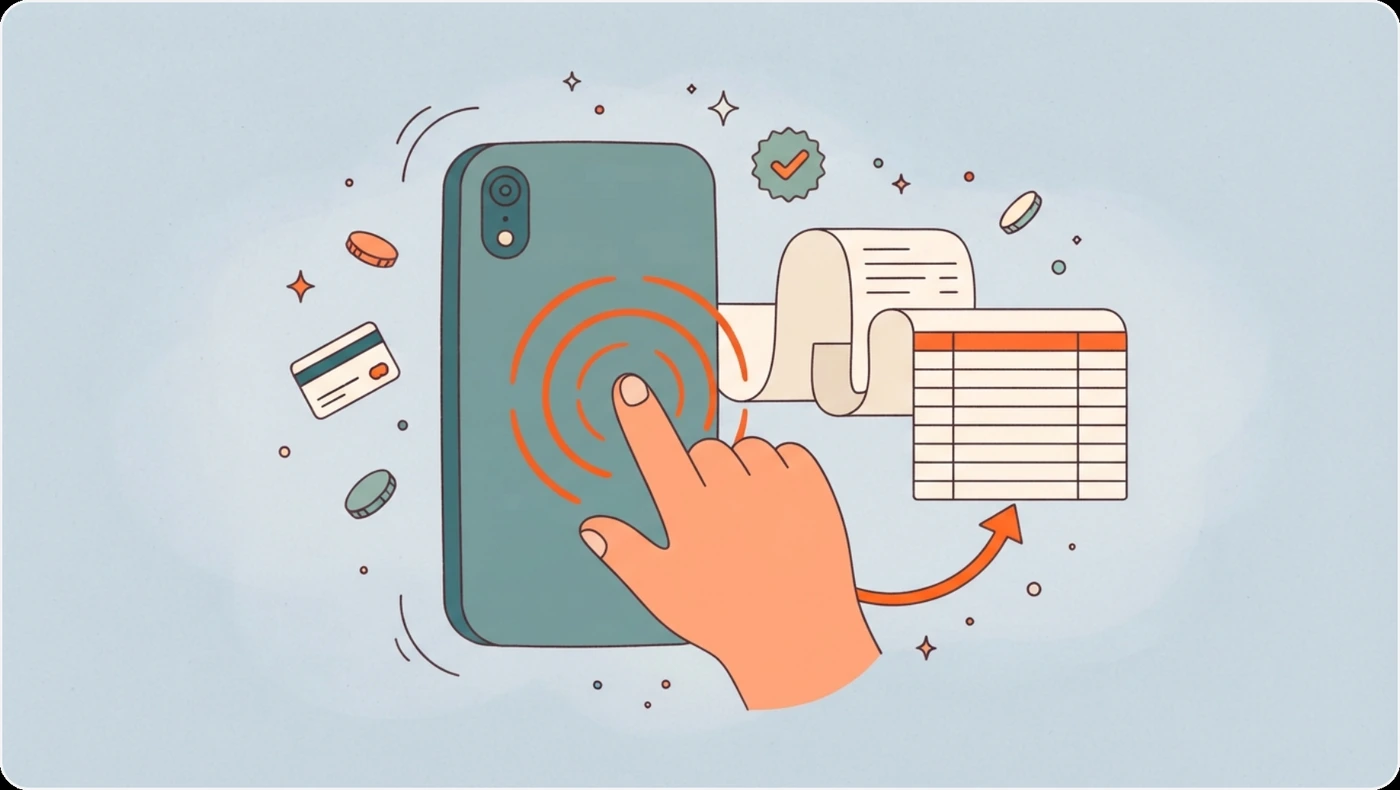
Tapt3 turns a payment confirmation into a structured expense record with a triple tap on the back of an iPhone.
I built Tapt3 to reduce the friction of tracking everyday spending without maintaining a dedicated backend or entering each transaction manually. It combines iOS Shortcuts, Google Apps Script, Google Sheets, and optional Gemini-assisted extraction into a lightweight workflow.
Making transaction capture effortless
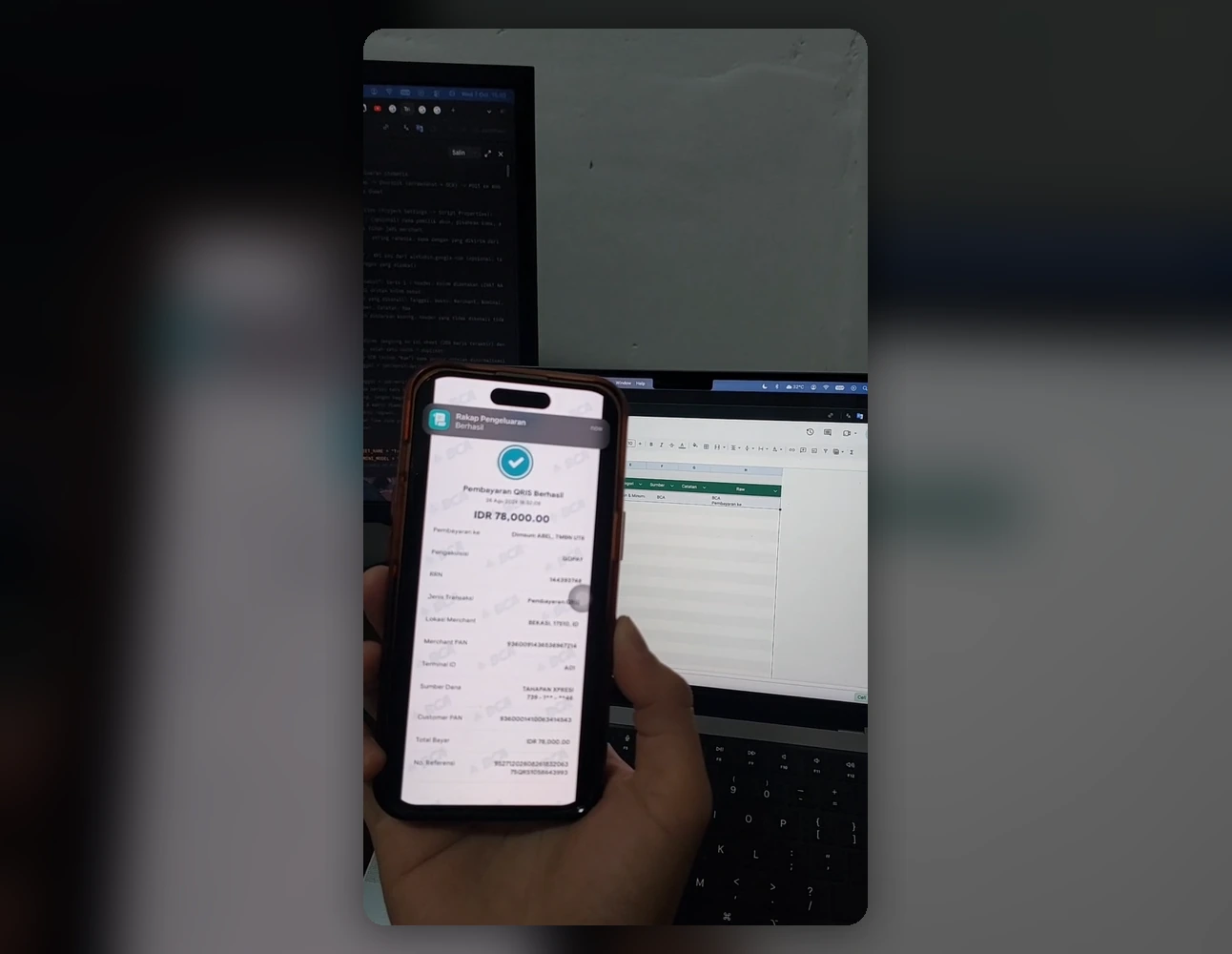
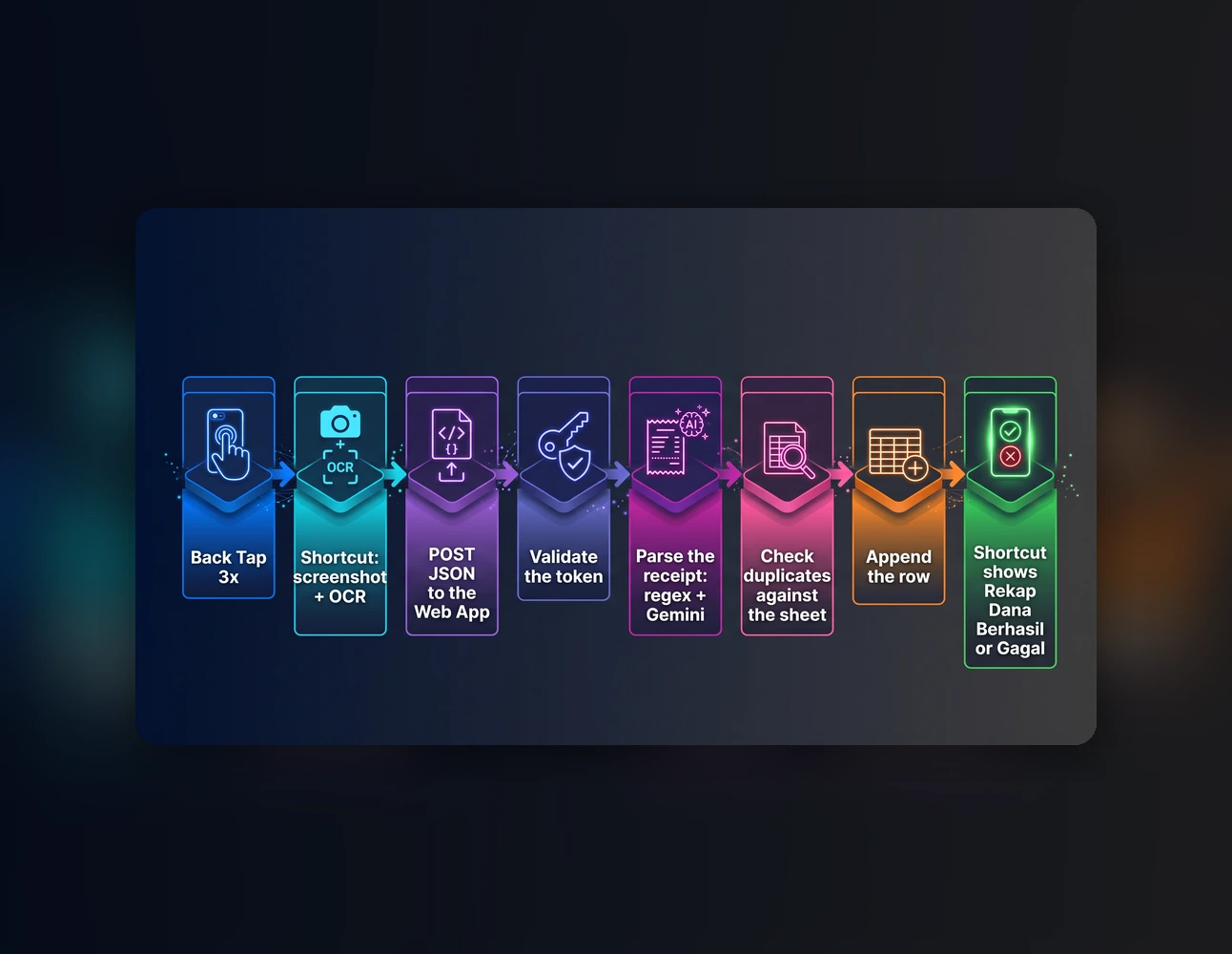
The workflow starts from a payment confirmation screen in a mobile banking or e-wallet app. An iOS Shortcut captures the screen, extracts its text through OCR, and sends the result to a Google Apps Script Web App. The script then parses the receipt and records the transaction in Google Sheets.
Assigning the Shortcut to Back Tap makes the process accessible through a single gesture sequence. The resulting record can include the transaction date and time, merchant, amount, category, payment source, and note.
Handling real-world receipts
Payment receipts vary in their wording, number formats, and text layouts. Tapt3 combines rule-based parsing with optional Gemini-assisted extraction to handle variations such as different date formats, Indonesian currency notation, and OCR output where labels and values appear in separate columns.
The parser distinguishes the merchant being paid from the bank or wallet used to pay. It also supports automatic or manually selected categories, reads notes from common receipt fields, and checks existing spreadsheet records to prevent duplicate entries.
Keeping the setup lightweight
The project uses Google Sheets as its data store and Google Apps Script as the processing endpoint, avoiding the need to operate a separate server. Transaction columns are mapped by header name, so the spreadsheet does not depend on a fixed column order.
Gemini is optional. When no API key is configured, the workflow can rely on rule-based parsing. When Gemini is enabled, long digit sequences in OCR text are masked before the text is sent to the API, although other personal information may still be included.
Designed for everyday use
Tapt3 focuses on removing small but repetitive steps from personal expense tracking. A familiar phone gesture starts the process, the receipt provides the transaction details, and Google Sheets keeps the resulting records accessible for later review.