Software delivery involves more than writing code. Requirements, design references, API contracts, existing architecture, and testing expectations all need to be understood before a change is ready for review.
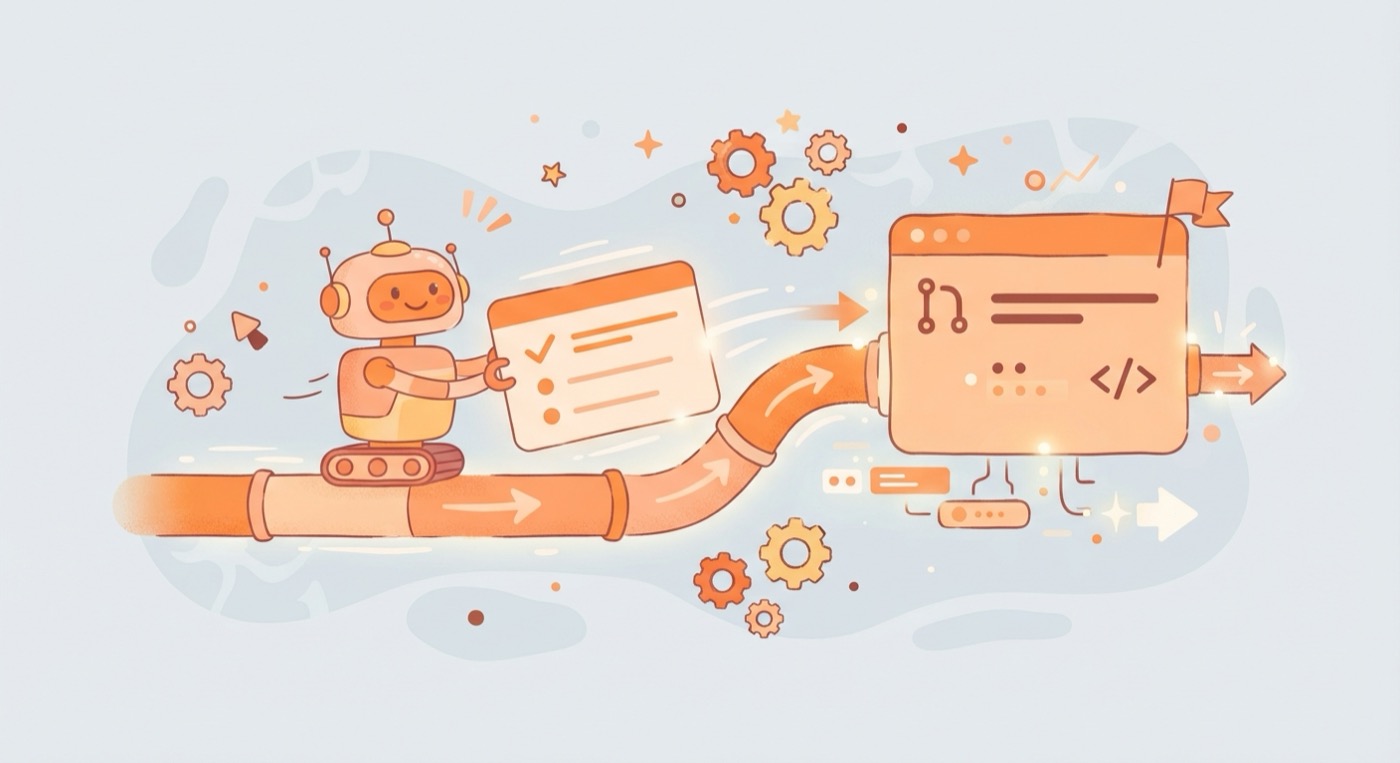
Mobile AI Production Flow is an open-source plugin designed to help AI coding agents follow a consistent engineering workflow, starting from a Jira ticket and stopping once a Draft Pull Request has been created. It supports plugin-compatible environments such as Claude Code, OpenAI Codex, and GitHub Copilot.
Building context before implementation
The workflow begins by screening the project and the selected ticket, then gathers context from the Jira subtask, parent story, comments, attachments, linked issues, and available technical documentation. It also discovers Figma references, backend technical requirements, and API contracts when those sources are accessible.
Before implementation, the plugin performs design breakdown, applies a YAGNI check, and analyzes the existing codebase across architecture, platform behavior, networking, security, quality, performance, and build concerns.
Turning requirements into a plan
The collected context is used to generate a Requirement Alignment Report and a Technical Requirements Document. The workflow presents implementation options, starting with the simplest approach, and waits for a human decision before proceeding with the selected plan.
This creates a structured checkpoint between understanding the task and changing the code, helping keep implementation aligned with the requested scope rather than letting the agent make every decision independently.
Implementing with validation
After the plan is approved, the workflow implements the scoped tasks, checks the available test inventory and project conventions, gathers changed-code coverage evidence, and runs a validation loop. It also generates a manual self-test checklist to support the next stage of engineering review.
The process is designed to make the agent's work easier to inspect, with requirement alignment, technical planning, implementation evidence, and testing preparation forming part of the same flow.
Keeping humans in control
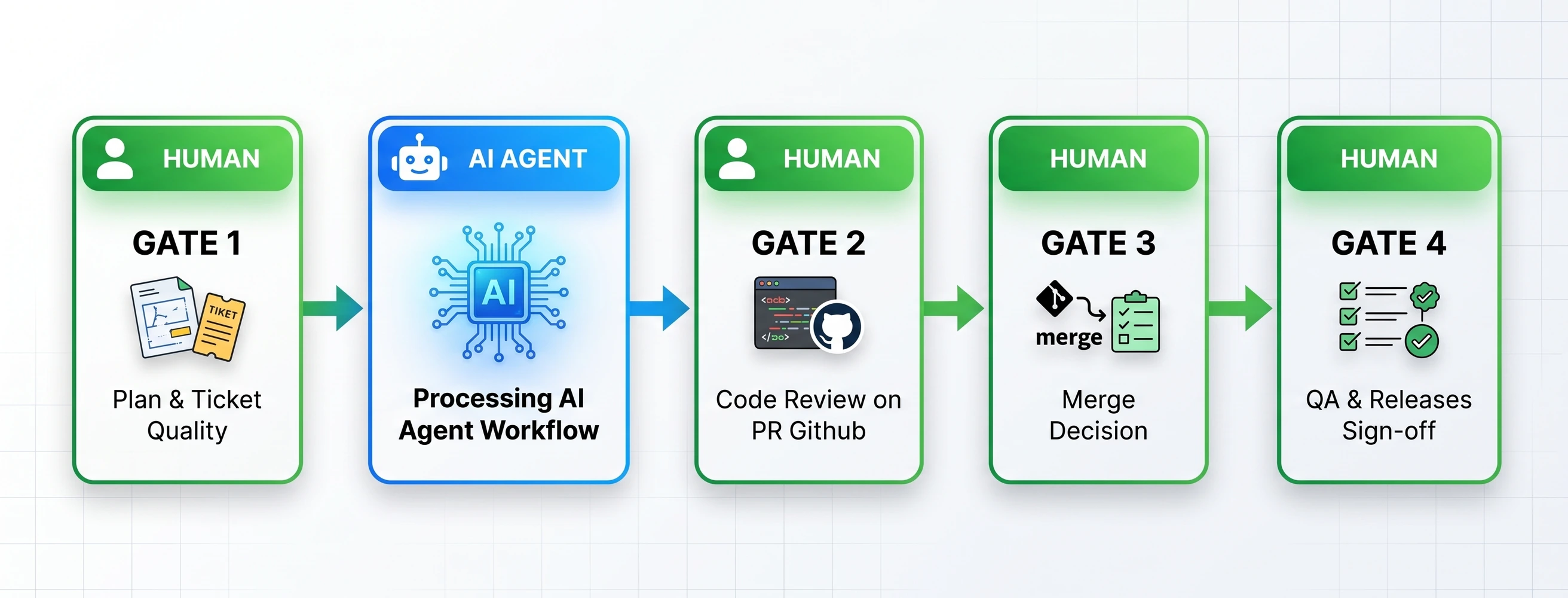
The automation has a deliberate stopping point: creating a Draft Pull Request. It must not mark the PR ready for review, assign reviewers, approve, merge, or handle review feedback automatically unless an engineer explicitly requests a separate feedback-handling workflow.
This boundary is central to the design. The plugin automates repetitive preparation and implementation work, while important delivery decisions remain with the engineer.
Designed for multiple agent hosts
The repository uses a multi-manifest structure for different AI coding environments, with shared skills, agents, hooks, scripts, templates, policies, and MCP configuration. This keeps the workflow logic reusable while allowing each host to use its own plugin entry point.
The result is an experiment in making AI-assisted software development more systematic: gather context, align requirements, plan, implement, validate, and prepare a draft for human review.